
Creating and editing classes are simple!
Creating a New Class:
Step 1: Select Create on the classes tab
Step 2: Next, name the class and assign its cameras
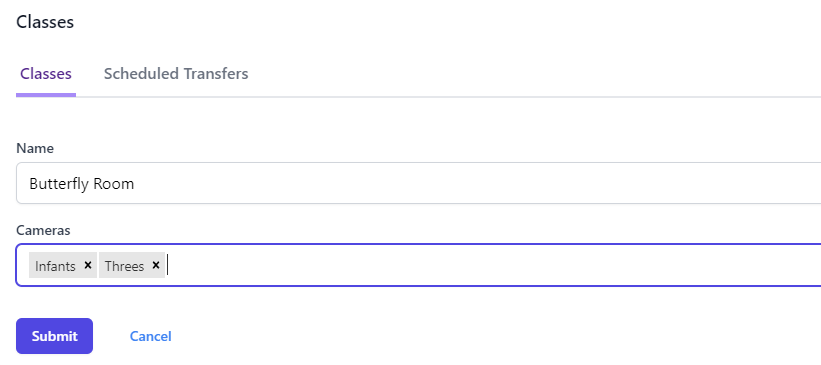
Step 3: Select Submit
The new class will now show up under the Classes tab listed with the rest of your classes!
Policies: If a class is assigned to a class policy, you can find it under the Policy column. To edit this policy, click the name and it will take you to the settings of that policy.
Editing an Existing Class:
To edit an existing class you simply click the edit icon to the right of the class 
From there you can edit the camera selection or the name of the class!
To delete a class, select the delete icon next to the preferred class 
Comments
0 comments